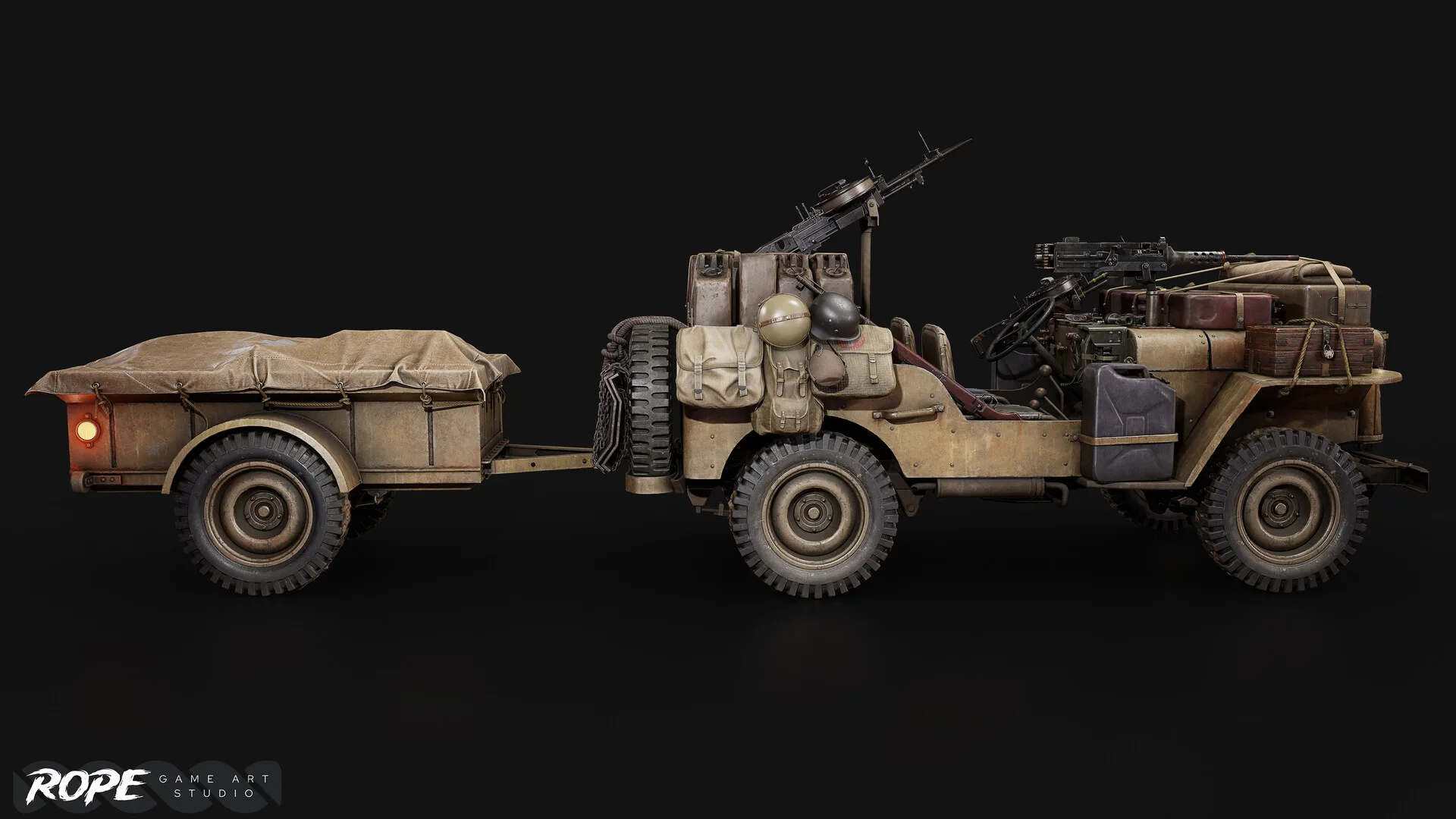
How to Optimize 3D Assets for Unreal Engine 5
A practical guide to polycount budgets, LOD strategies, texture compression, and Nanite — everything you need to ship performant assets in UE5.
Unreal Engine 5 changed the rules for asset optimization. With Nanite for geometry and Lumen for lighting, the old rules of thumb — keep everything under 10K tris — no longer apply universally. But knowing when to use Nanite and when to hand-craft your LODs is the difference between a game that runs at 60fps and one that stutters.
Understanding Nanite (and Its Limits)
Nanite is UE5's virtualized geometry system. It streams only the triangles visible on screen at the exact resolution needed. For static background meshes like rocks, walls, and props it's a game changer — you can import a 10 million poly scan and it'll run fine. But Nanite has hard limits:
- No skeletal meshes (characters, cloth, rigs)
- No translucent or masked materials by default
- Higher memory overhead per asset
- Not suitable for deformable or destructible meshes
For those cases, traditional LODs remain essential.
LOD Strategy for Non-Nanite Assets
A good LOD chain reduces draw call cost as objects move into the distance. As a baseline for game-ready props:
- 1.LOD0 (full detail) — hero distance, 100% polycount
- 2.LOD1 — ~50% of LOD0, visible at 10–30m
- 3.LOD2 — ~25% of LOD0, visible at 30–60m
- 4.LOD3 / imposter — billboard or low-poly at 60m+
Texture Compression and Resolution Budgets
Texture memory is often the biggest bottleneck. In UE5 use BC7 compression for Albedo and BC5 for Normal maps. Reserve 4K textures for hero assets visible within arm's reach. Background props at 2K or 1K are indistinguishable in motion.
Pro tip: Use Texture Streaming Pools in UE5 (r.Streaming.PoolSize) and monitor with the Stat TextureGroup command to catch memory spikes early.
UV Atlasing for Environment Kits
Modular environment sets benefit from shared texture atlases. Grouping similar-material meshes onto a single 4K atlas reduces draw calls dramatically — one material for 20 meshes instead of 20 separate materials.
Checklist Before Delivery
- Clean pivot points at base or centre of mass
- Consistent scale (1 UU = 1cm by default in UE5)
- LODs generated and validated in engine
- Collision meshes (UCX_ prefix convex hulls for complex objects)
- Textures exported as BC7/BC5, power-of-two dimensions
- Material instance ready with exposed parameters
Planning External Art Production?
Share your asset scope, quality target, pipeline, and schedule with Rope Studios.